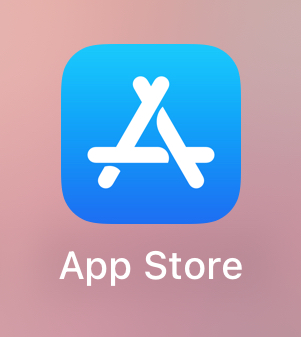
- On your iPhone or iPad search and touch App Store so that it opens.
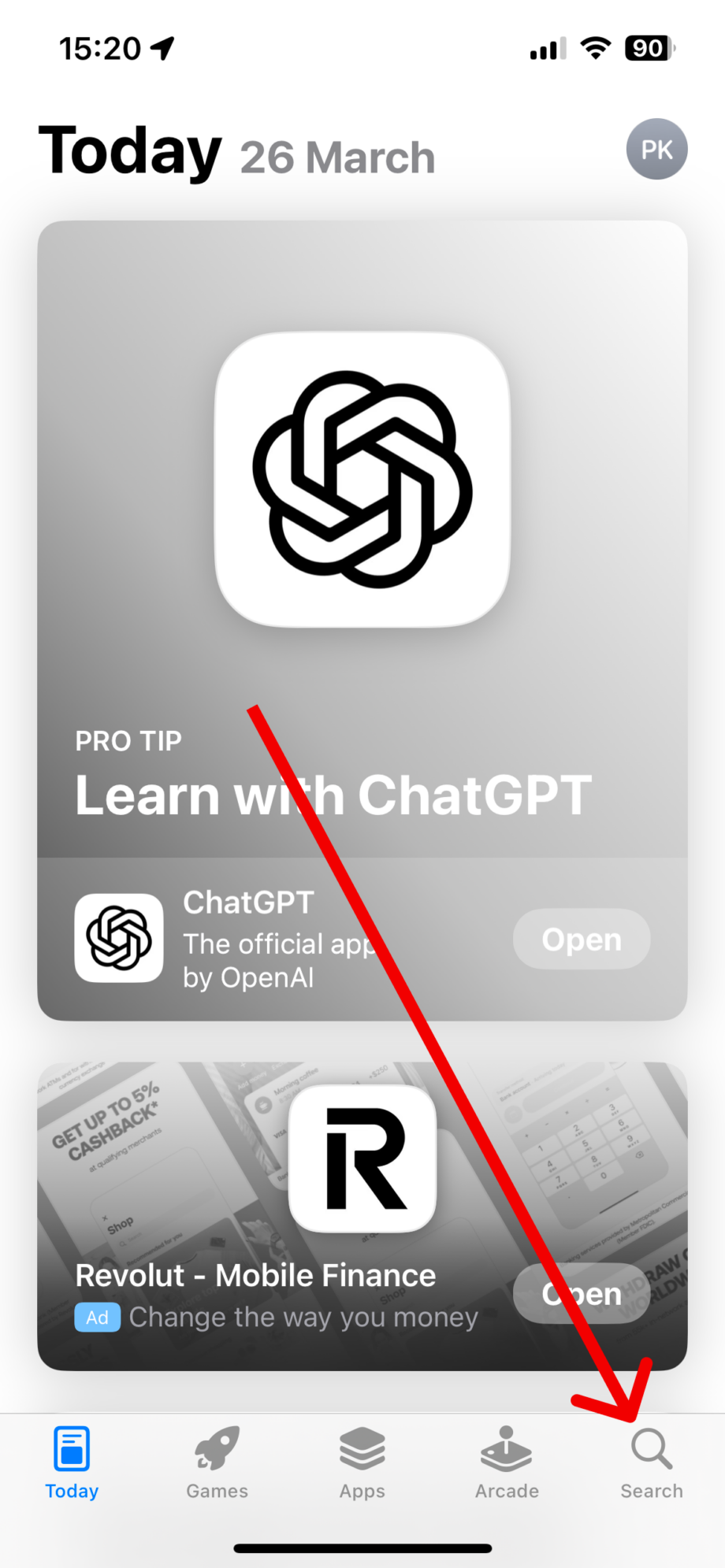
- In the App Store app, touch Search at the bottom right.
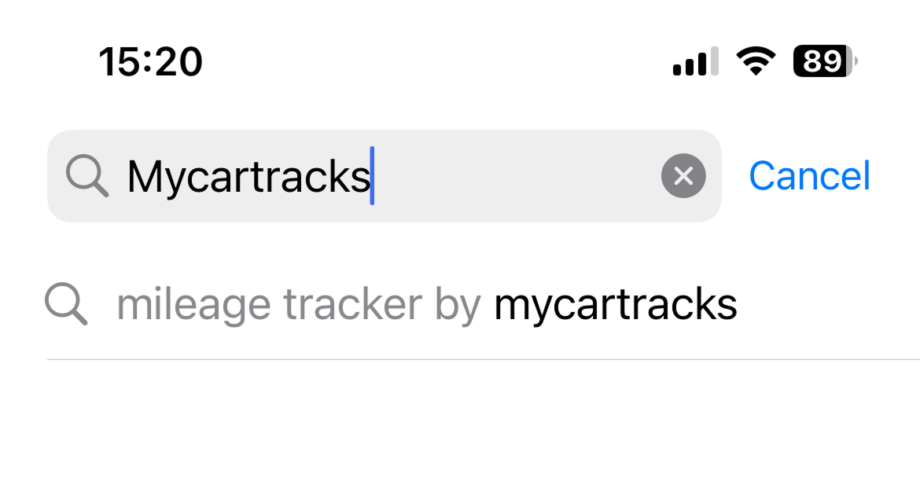
. - In search enter Mycartracks and touch the result.
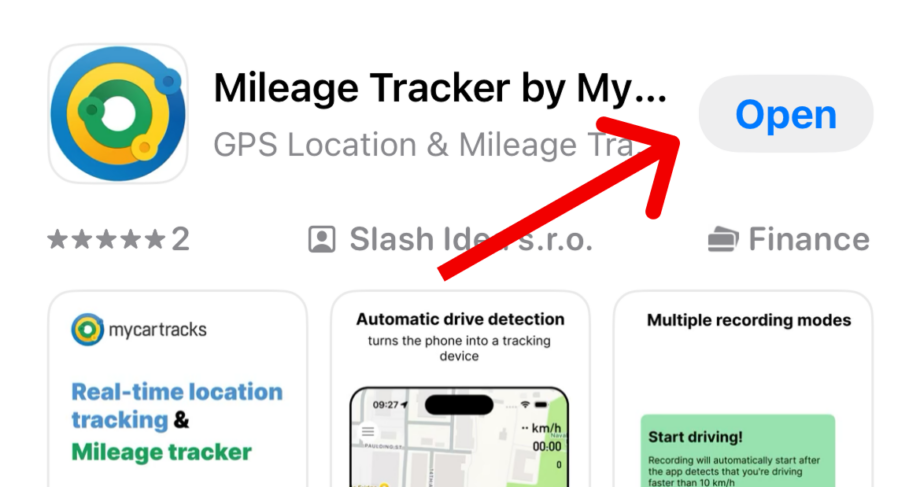
- If you see a cloud with an arrow icon as seen on this image your app is not the latest version and you have to update it. Touch this icon.

. - After the update or if the app is the latest version you’ll see an OPEN button on the location. You can now open the latest app version.

Knowledge Base
Still have questions?
Email your questions to support@mycartracks.com